
Tag: Yield Optimization

  • What is Programmatic advertising?

    What is Programmatic advertising?

    Programmatic advertising is the automated process of buying and selling digital ad space in real-time, using software, algorithms, and data to target specific audiences more effectively. Instead of manually negotiating with publishers to place ads on websites, programmatic systems use real-time bidding (RTB) and other automated processes to purchase ad inventory across various digital channels (websites, apps, social media, etc.).

    Key Components:

    1. Demand-Side Platforms (DSPs): Allow advertisers to buy digital ad space automatically, targeting specific audiences based on various factors (demographics, interests, behaviour
      ).
    2. Supply-Side Platforms (SSPs): Help publishers manage, sell, and optimize their available ad space through an automated auction process.
    3. Real-Time Bidding (RTB): Ads are bought and sold in real-time, typically in milliseconds, based on the value of the impressions and targeting parameters set by the advertiser.
    4. Ad Exchanges: Digital marketplaces where buyers (advertisers) and sellers (publishers) meet to trade ad inventory programmatically.
    5. Data Management Platforms (DMPs): Collect and analyze audience data to help advertisers refine their targeting strategies for more personalized ad delivery.

    Benefits of Programmatic Advertising:

    Real-Time Optimization: Advertisers can adjust campaigns on the fly based on performance data.

    Efficiency and Speed: Automates the ad-buying process, making it faster and more efficient.

    Precise Targeting: Uses data and algorithms to deliver ads to specific audiences, reducing waste and increasing relevance.

    Scalability: Advertisers can reach large audiences across multiple platforms and devices.

    Real-Time Optimization:
     Advertisers can adjust campaigns on the fly based on performance data.
  • How to improve FID on your site after monetization.

    How to improve FID on your site after monetization.

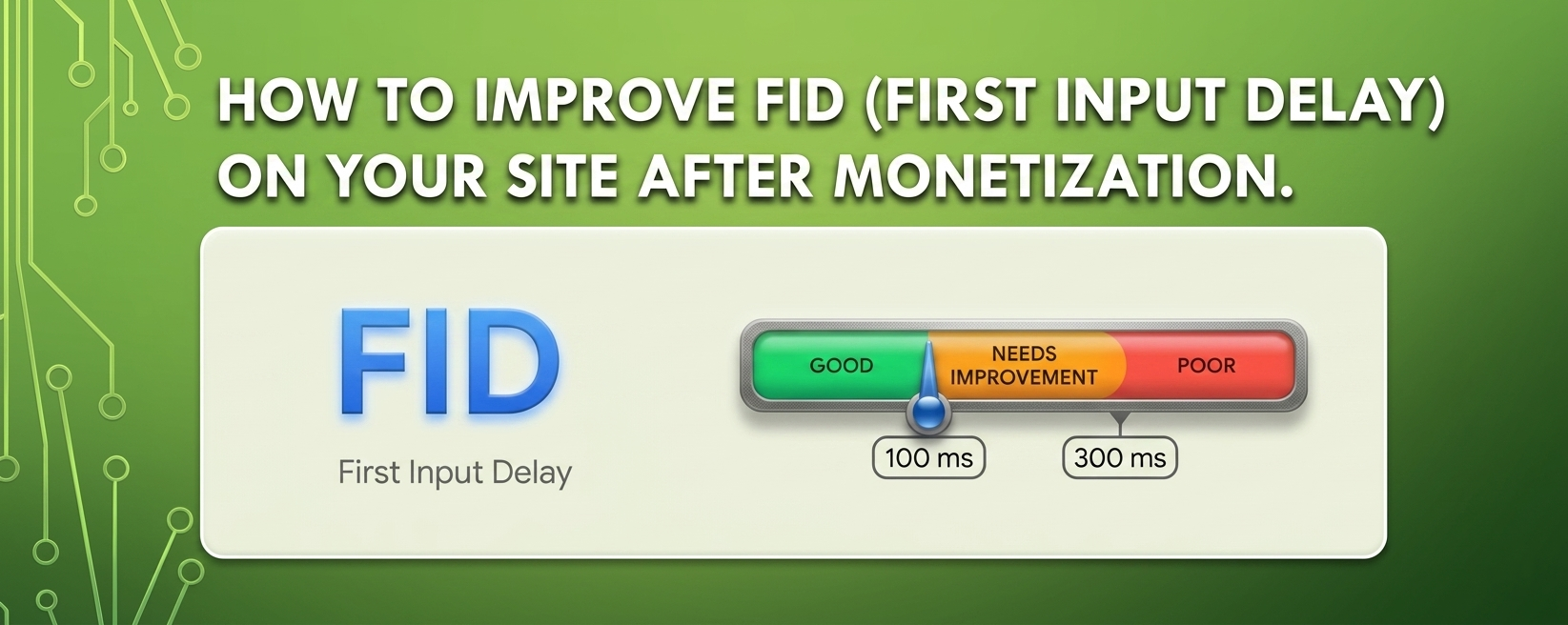
    Improving First Input Delay (FID) on your site after monetization is crucial for maintaining a good user experience. FID measures the time it takes for a page to respond to a user’s first interaction (like clicking a link or button). Here are several strategies to enhance FID while ensuring your monetization efforts do not negatively impact performance:

    1. Optimize JavaScript Execution

    • Minimize JavaScript: Reduce the amount of JavaScript that needs to load before the page becomes interactive. Remove any unused code and minimize scripts where possible.
    • Defer and Async Loading: Use defer or async attributes on your script tags to prevent blocking the main thread. This allows the browser to load JavaScript without delaying the page’s initial rendering.
    htmlCopy code<script src="your-script.js" defer></script>
    

    2. Prioritize Critical Scripts

    • Load essential scripts for initial interactions first. Non-essential scripts can be loaded later, after the main content has loaded.

    3. Optimize Third-Party Scripts

    • Be mindful of third-party scripts, especially ads and tracking scripts, as they can slow down FID. Use lightweight alternatives or load them asynchronously.
    • Consider using a tag manager to control when and how third-party scripts are loaded.

    4. Reduce Main Thread Work

    • Limit the complexity of tasks running on the main thread during the page’s initial load. Break up long tasks using techniques like requestIdleCallback to improve responsiveness.

    5. Implement Lazy Loading

    • Use lazy loading for images and iframes to defer loading of off-screen content. This reduces the initial load time and allows users to interact with the page sooner.
    htmlCopy code<img src="example.jpg" loading="lazy" alt="Example">
    

    6. Optimize Your Web Fonts

    • Load fonts efficiently by using font-display: swap; in your CSS to ensure text remains visible during font loading. This prevents delays in rendering text and improves FID.
    cssCopy code@font-face {
        font-family: 'MyFont';
        src: url('myfont.woff2') format('woff2');
        font-display: swap;
    }
    

    7. Improve Server Response Times

    • Optimize your server response time to ensure that the HTML is delivered to the browser quickly. This includes optimizing your hosting environment and using caching strategies.

    8. Reduce Resource Size

    • Compress resources (images, CSS, and JavaScript) using tools like Gzip or Brotli. Smaller resource sizes reduce load times and improve responsiveness.

    9. Use a Content Delivery Network (CDN)

    • Implement a CDN to serve your content from locations closer to your users, reducing latency and improving load times.

    10. Monitor Performance Regularly

    Use tools like Google PageSpeed Insights, Lighthouse, or WebPageTest to regularly monitor your site’s performance, focusing on FID. Adjust strategies based on the data you collect.